Your PC, your games and your streams. All in one place.

PC Studio is a free Windows app that shows what your PC is doing, puts FPS and your music on top of your games, and lets you go live on Twitch and YouTube.

Free · Windows 10 and 11 · No admin rights needed to install
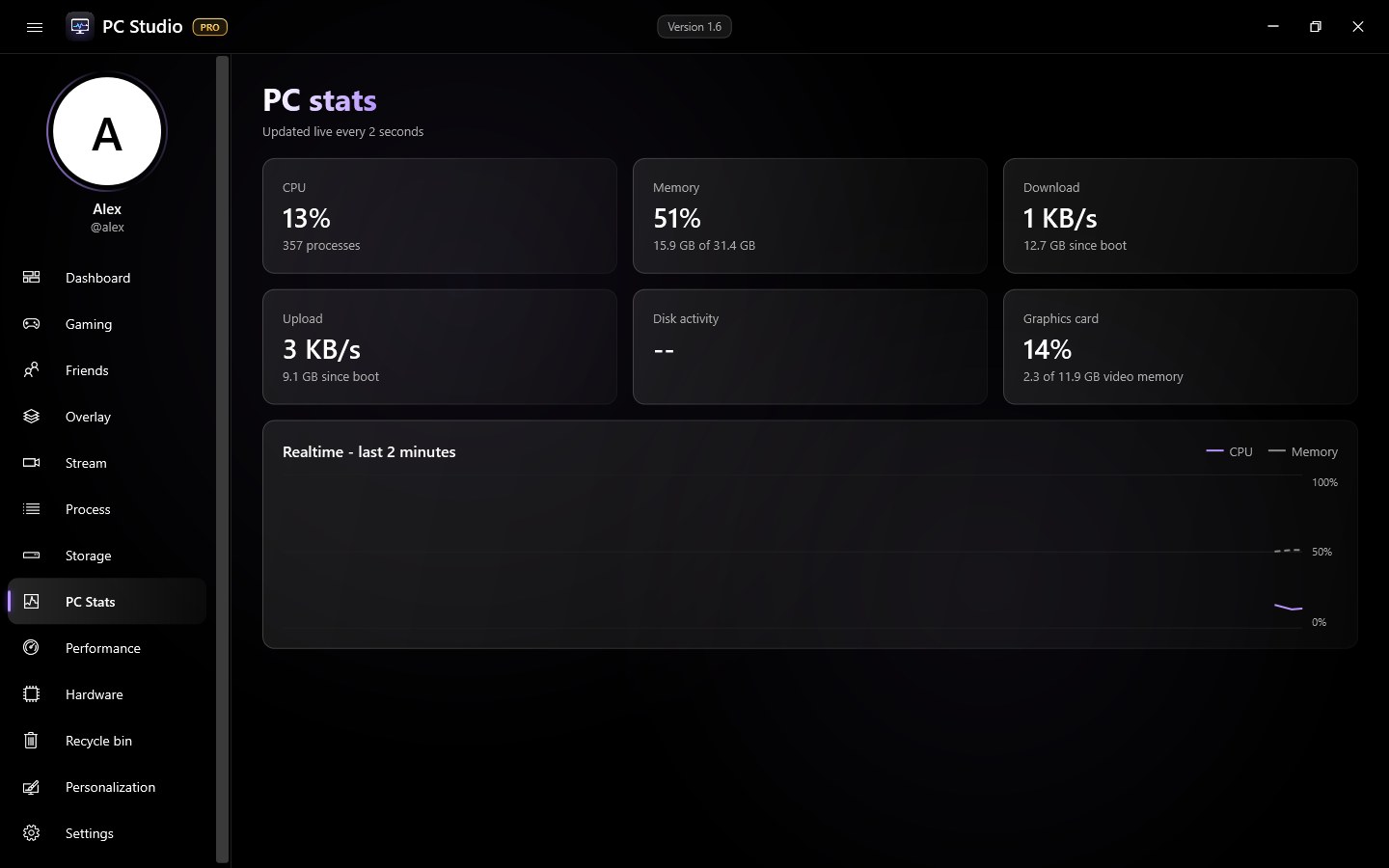
PC Studio showing live PC stats
Features

Everything for your PC, in one app

No ads, no tracking. Your settings stay on your own PC.

Live PC stats

CPU, memory, graphics card, network, disks and temperatures, updated live with clear charts.

Game overlay

FPS, temperatures, game volume and the song that's playing on top of any game, with your own hotkeys.

Spotify with lyrics

Control your music from the Dashboard, with lyrics that follow the song line by line.

Friends

See which friends are online and what they're playing, plus your own play history and Steam library.

Go live PRO

Stream to Twitch and YouTube at once through OBS, with both chats side by side, goals, alerts and a moderation bot.

Make it yours

Colors, backgrounds, a crosshair for games and settings that follow you to every PC.PRO
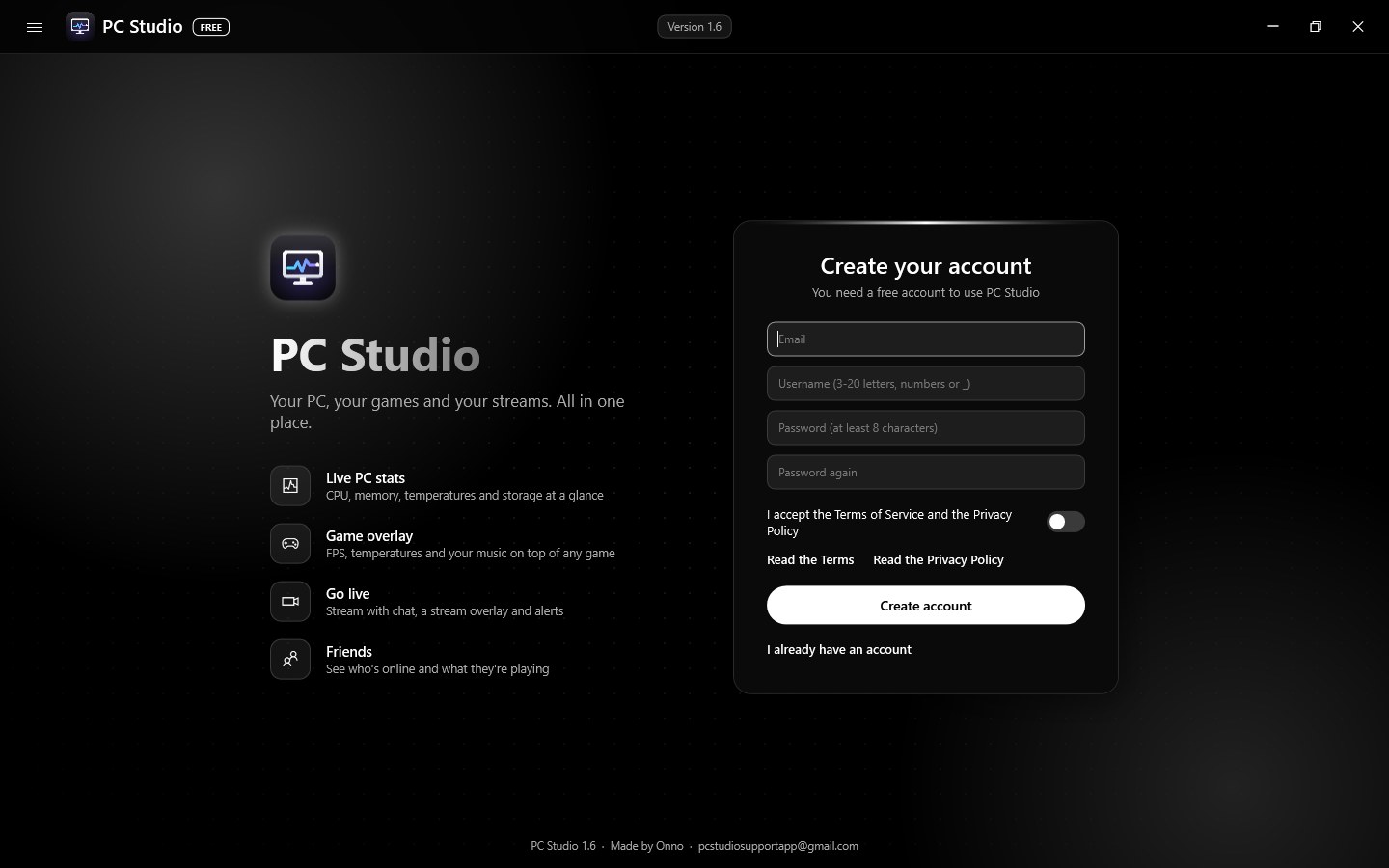
PC Studio sign-in screen
A free account, made in a minute
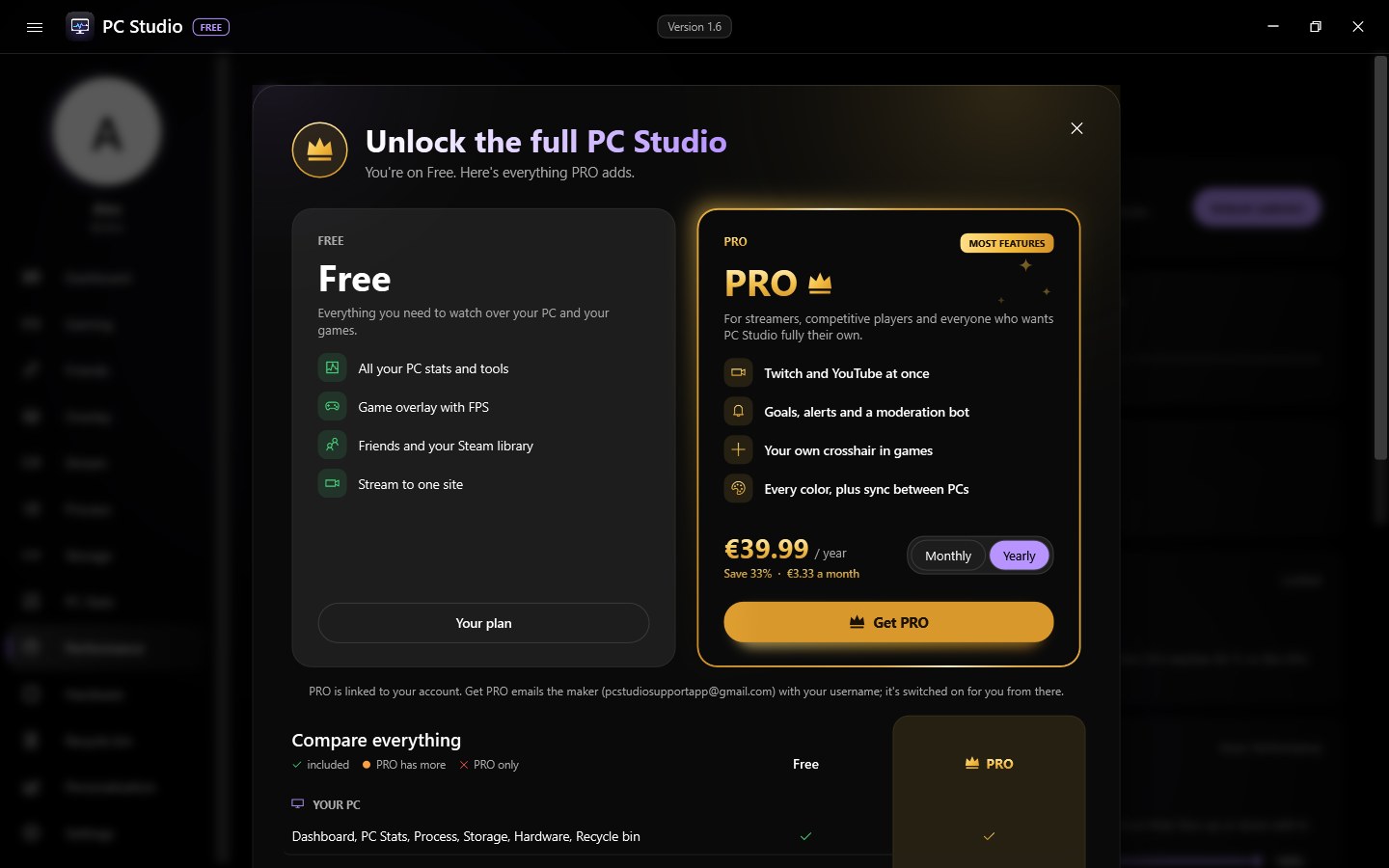
Free and PRO compared in PC Studio
Free and PRO, side by side in the app
Pricing

Free to use. PRO when you want more.

PRO is bought inside PC Studio, linked to your account, and works on every PC you sign in on.

FREE
€0
forever
  • Dashboard, PC Stats, processes, storage, hardware
  • Temperatures, power mode and CPU speed limit
  • Game overlay with FPS and hotkeys
  • Spotify with synced lyrics
  • Friends and 7 days of play history
  • Stream to one site
PRO
€4.99
per month, or €39.99 per year (save 33%)
  • Everything in Free
  • Twitch and YouTube at once, both chats side by side
  • Follower and subscriber goals and alerts
  • Moderation bot for your chat
  • Your own crosshair in games
  • All colors and backgrounds, temperature history
  • 30 days of play history and settings sync
Cancel any time. Prices include VAT; payments are handled by Lemon Squeezy.
Install

Up and running in a minute

PC Studio runs on Windows' own PowerShell, so there's nothing extra to install.

Download and unblock

Download the zip. Right-click it, choose Properties, tick Unblock at the bottom and click OK.

Extract

Right-click the zip, choose Extract All, then open the extracted folder.

Install

Double-click Install PC Studio. It opens by itself and adds shortcuts to your Desktop and Start menu.

FAQ

Questions

Is PC Studio free?

Yes. Everything in the Free plan stays free. PRO is an optional subscription that adds extra features.

Why do I need to unblock the zip?

Windows marks files from the internet until it knows the app. Unblocking tells Windows you trust this file. PC Studio installs for your own Windows user and doesn't need admin rights.

Why does PC Studio need an account?

For friends, your plan and (if you want) settings sync. Your stats, music and game info stay on your own PC. There are no ads and no tracking.

Which Windows versions does it run on?

Windows 10 and Windows 11. Fan control works on Acer Predator and Nitro laptops; the power and temperature tools work on any PC.

How do I cancel PRO?

Open the plans in PC Studio (click your plan badge) and choose Manage subscription. PRO stays on until the end of the period you paid for. Within 14 days of your first purchase you can also get your money back.

How do I remove PC Studio?

Windows Settings > Apps > Installed apps > PC Studio > Uninstall.

Get PC Studio

Free for Windows 10 and 11. Updates install from inside the app.

Download PC Studio (.zip)
After downloading, follow the three install steps above.